Teleoperation Handle Installation and Testing
Creating the Handle
Download the PDF file, print the Markers using duplex printing with 100% scaling (no scaling)
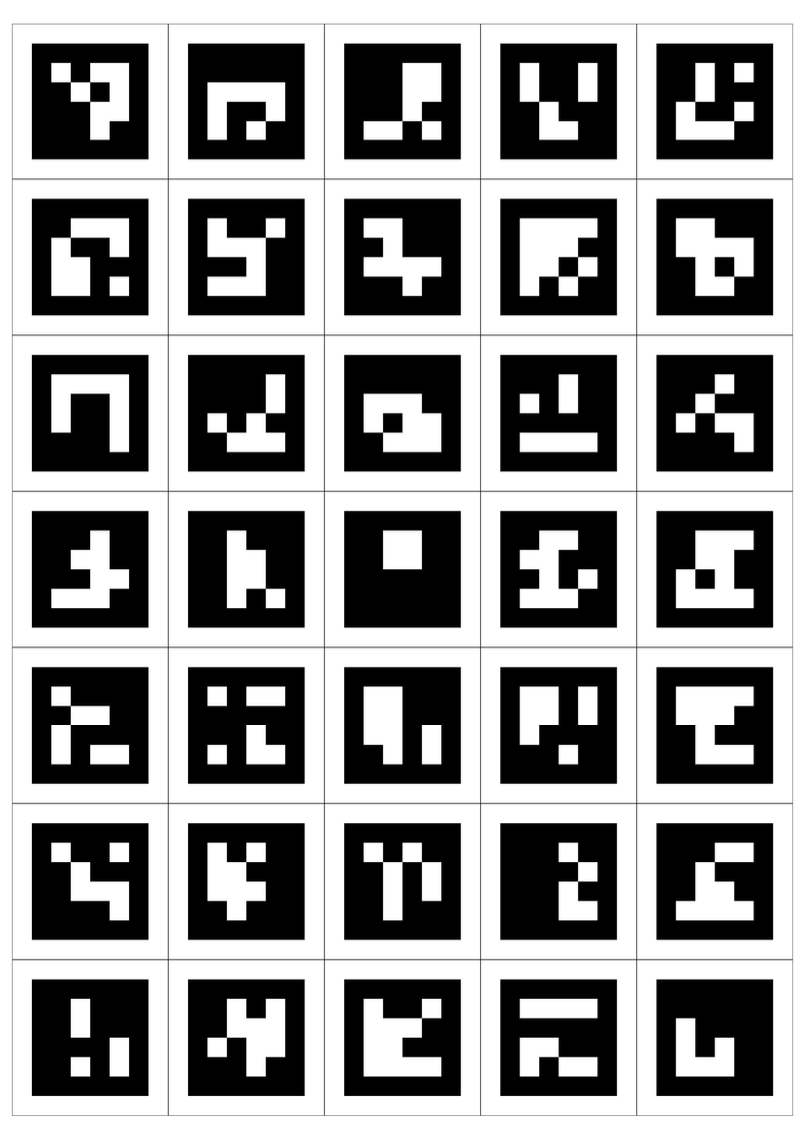
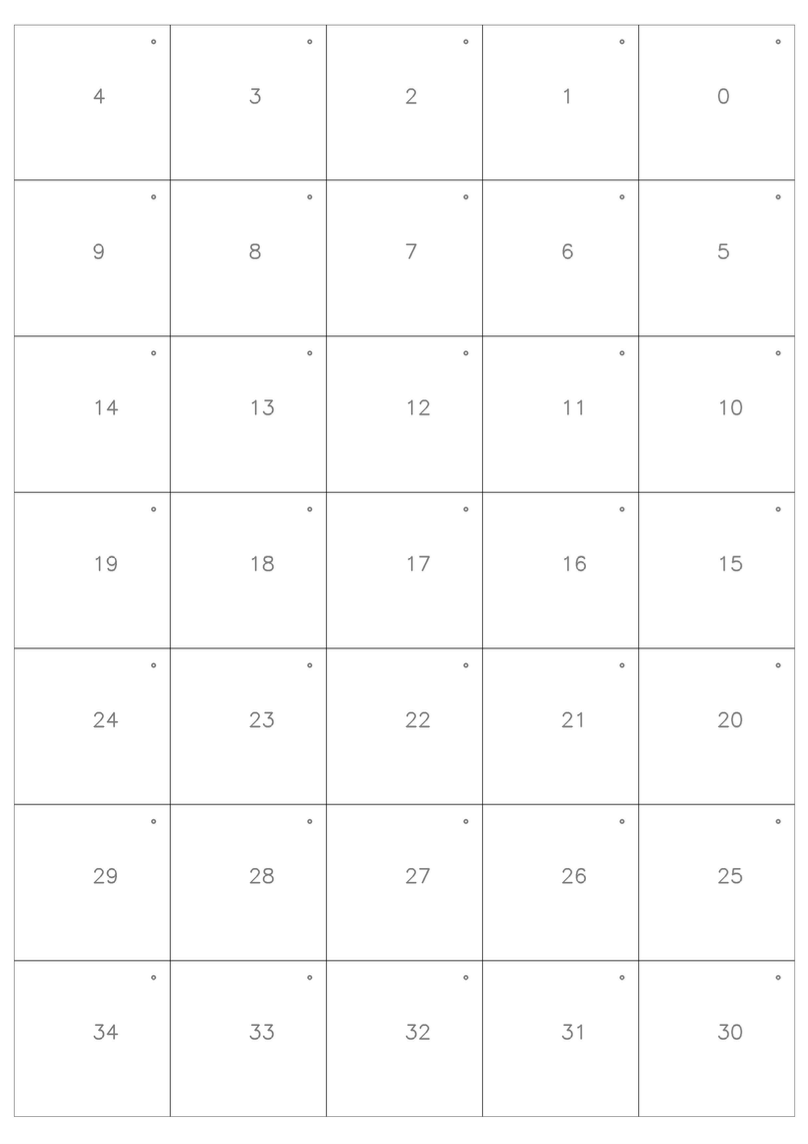
Cut along the dotted lines. Marker IDs and orientation dots are marked on the back. Note: The right handle uses Markers ID 0-16. The left handle uses Markers ID 18-30. Marker ID 17 should be ignored. Apply Markers counterclockwise from the top using double-sided tape for best results
Right Handle
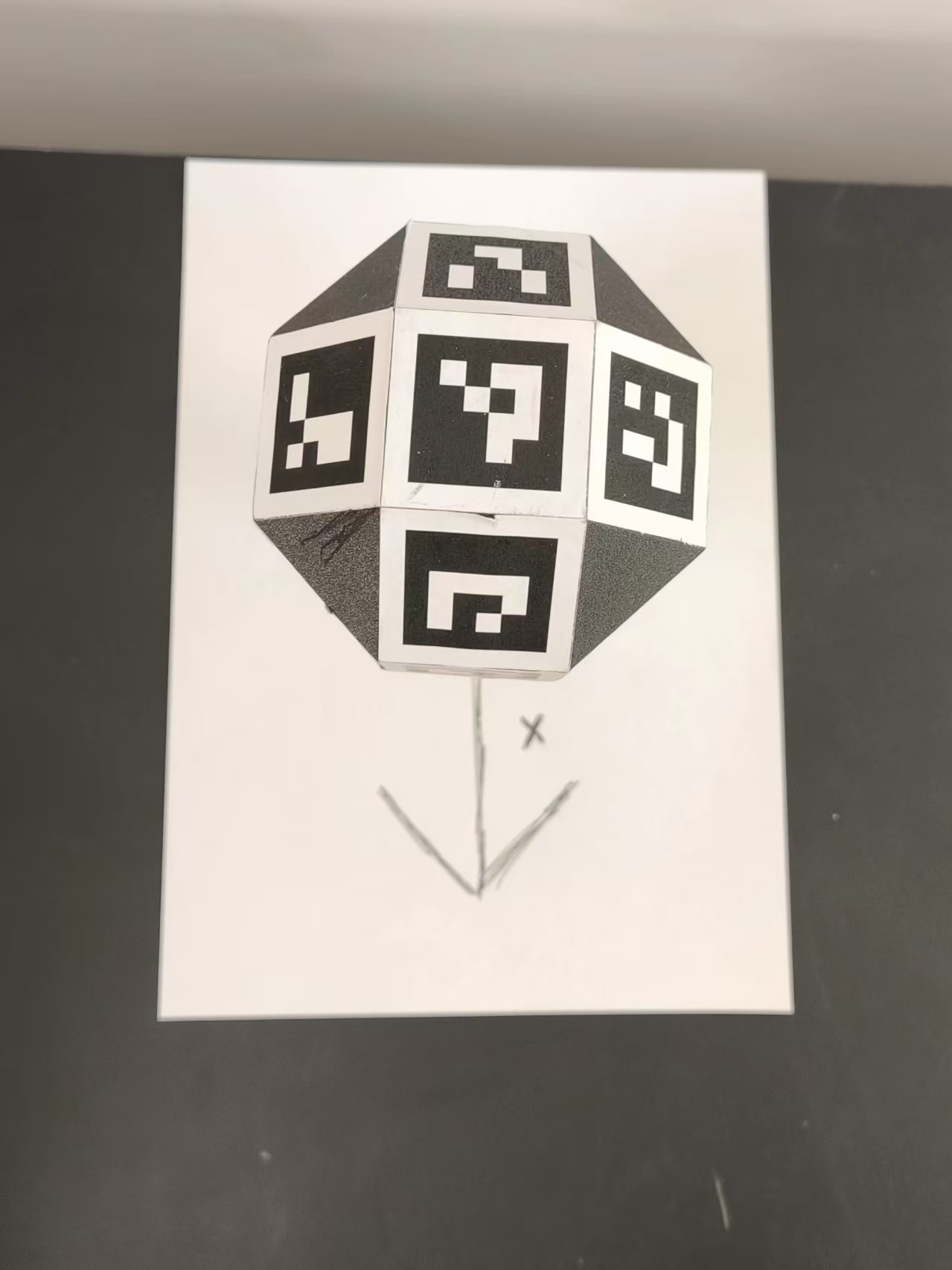
Top View
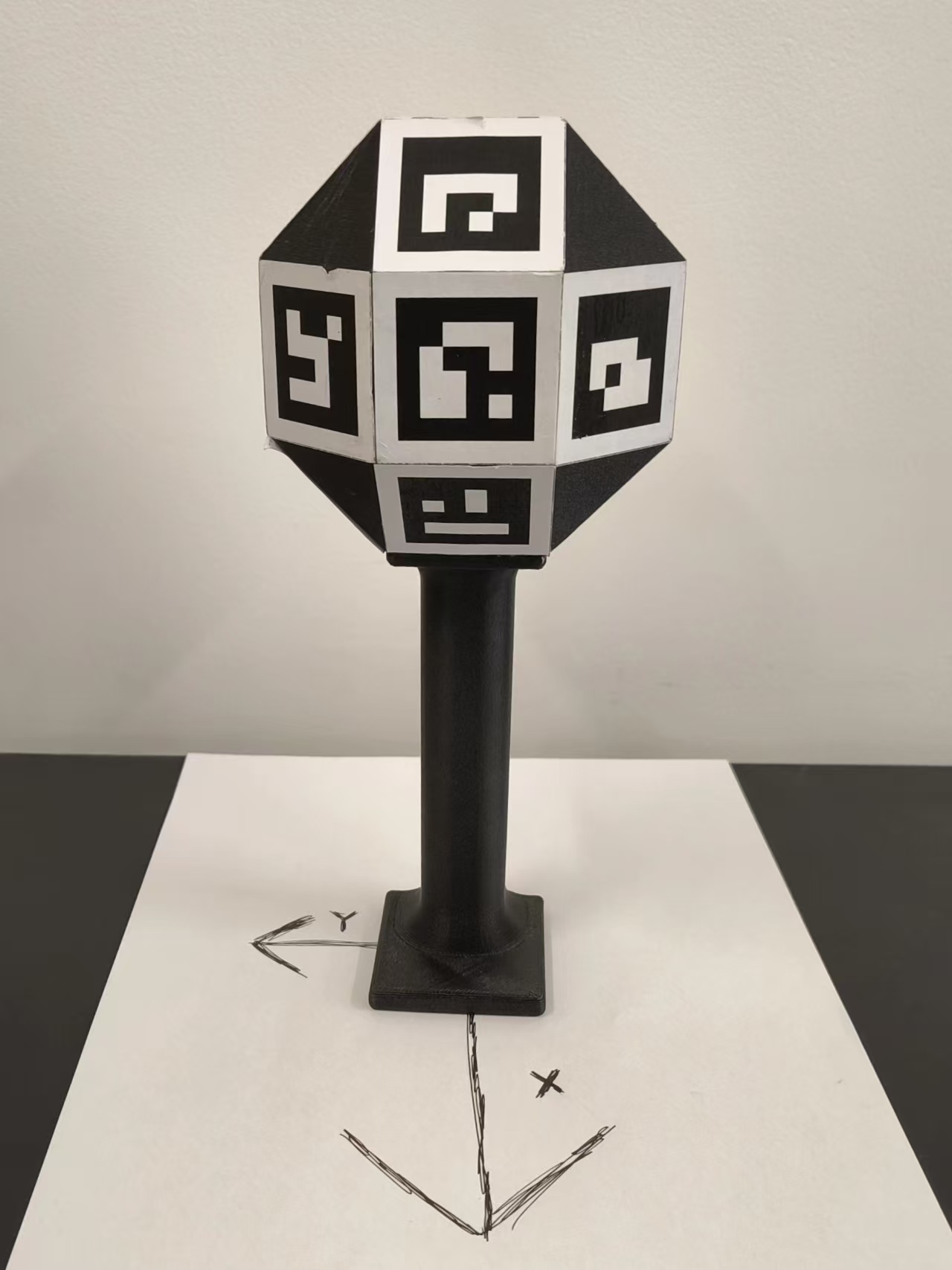
Front View
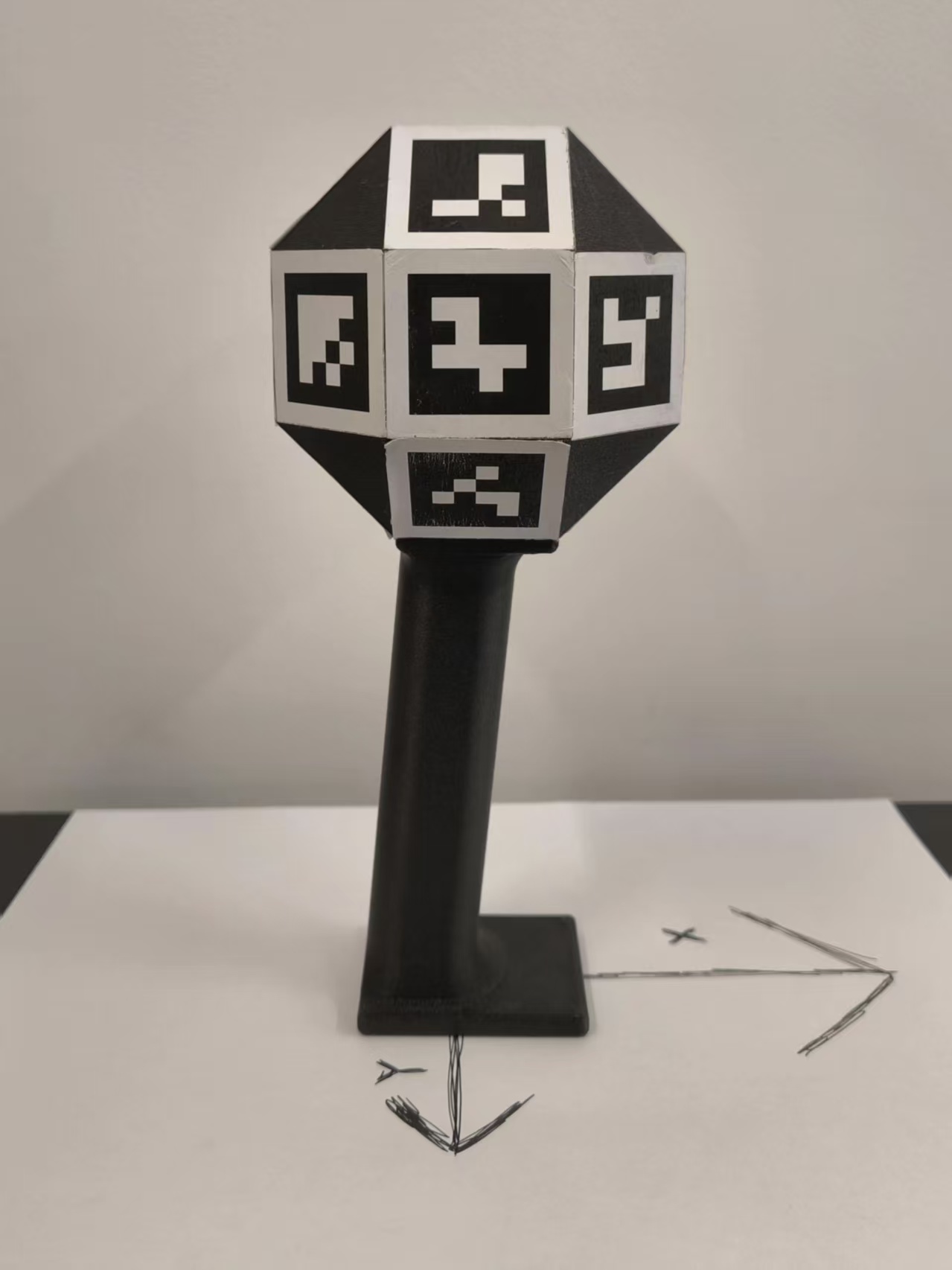
Left View
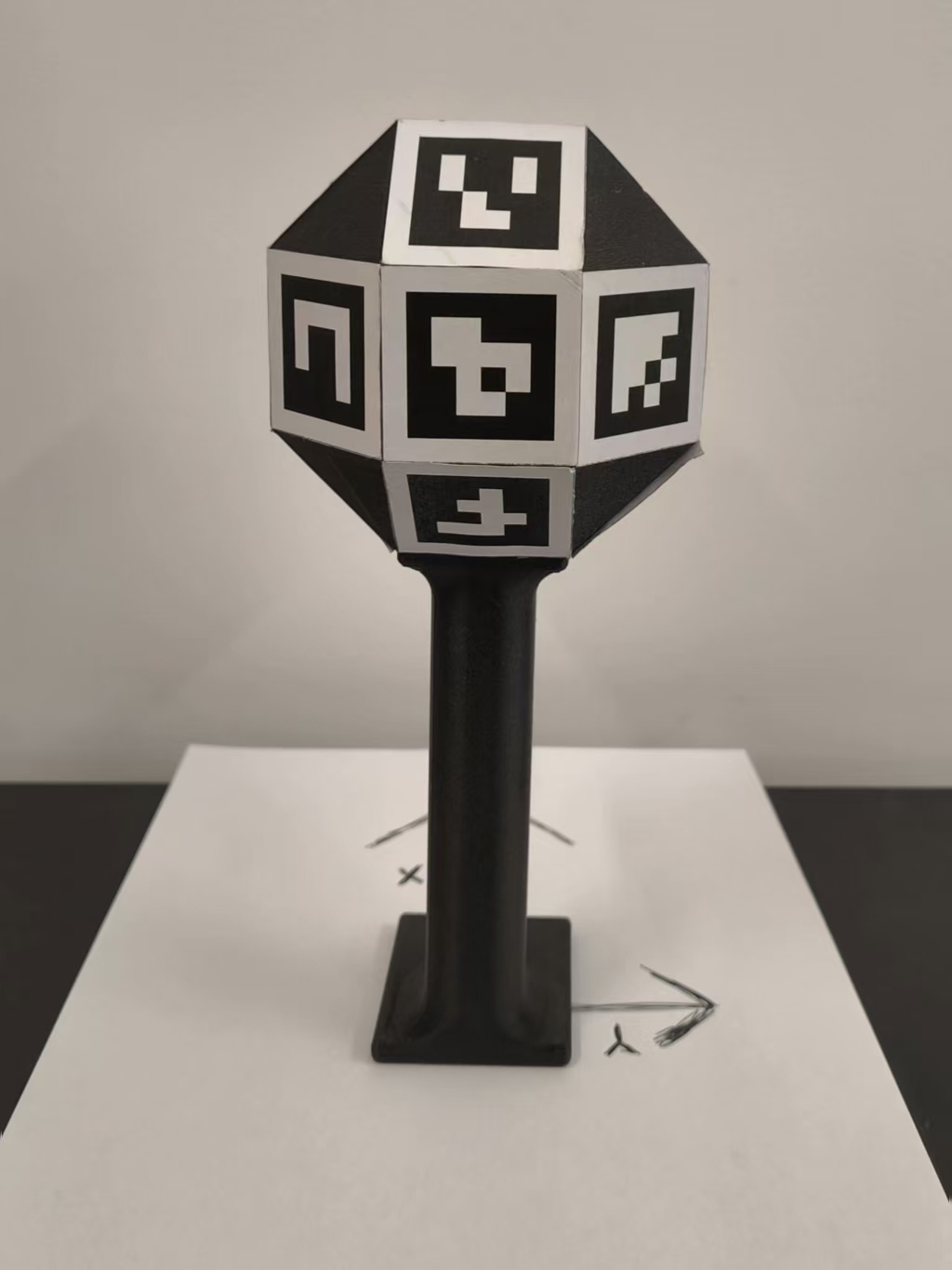
Back View
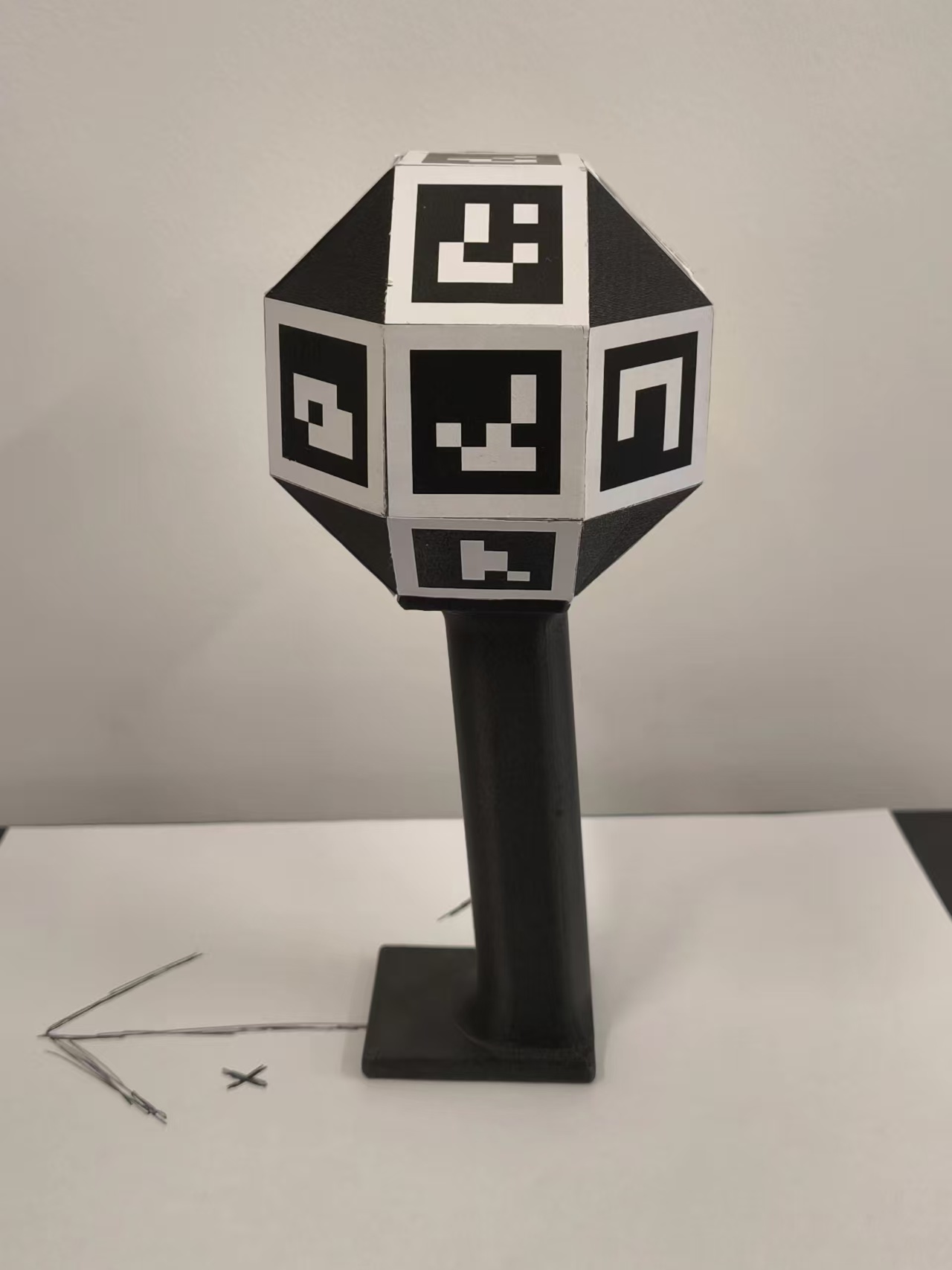
Right View
Left Handle
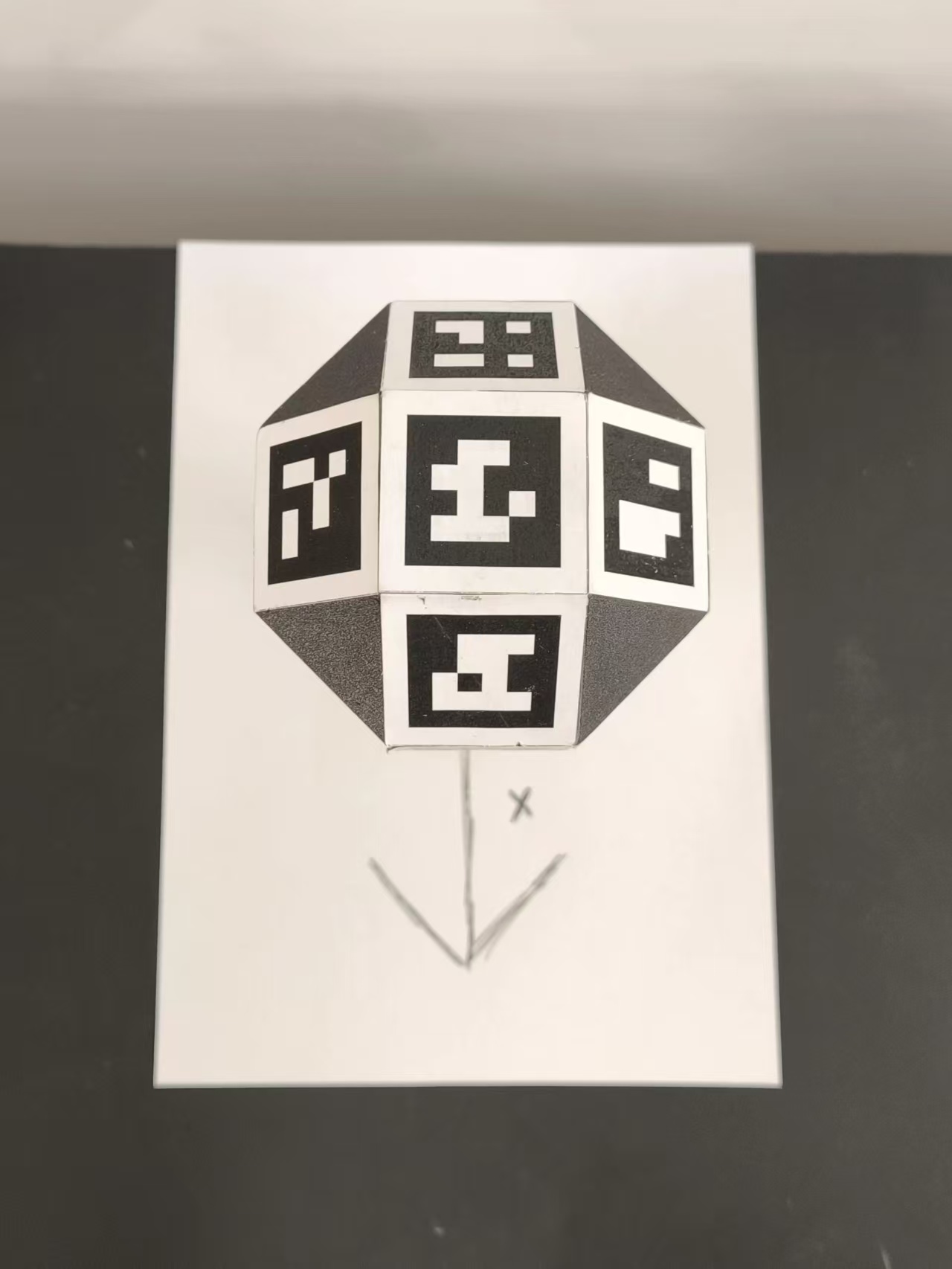
Top View
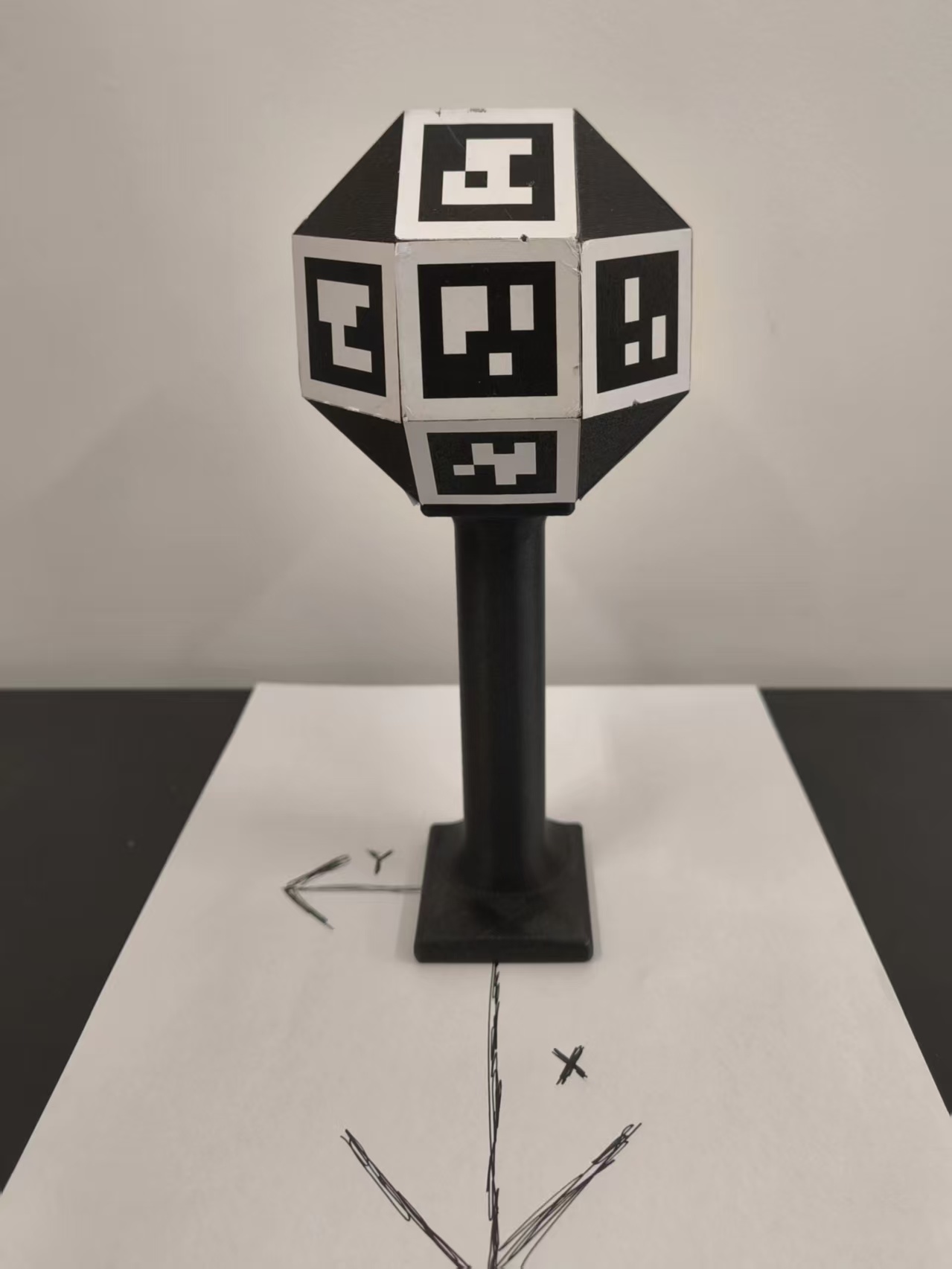
Front View
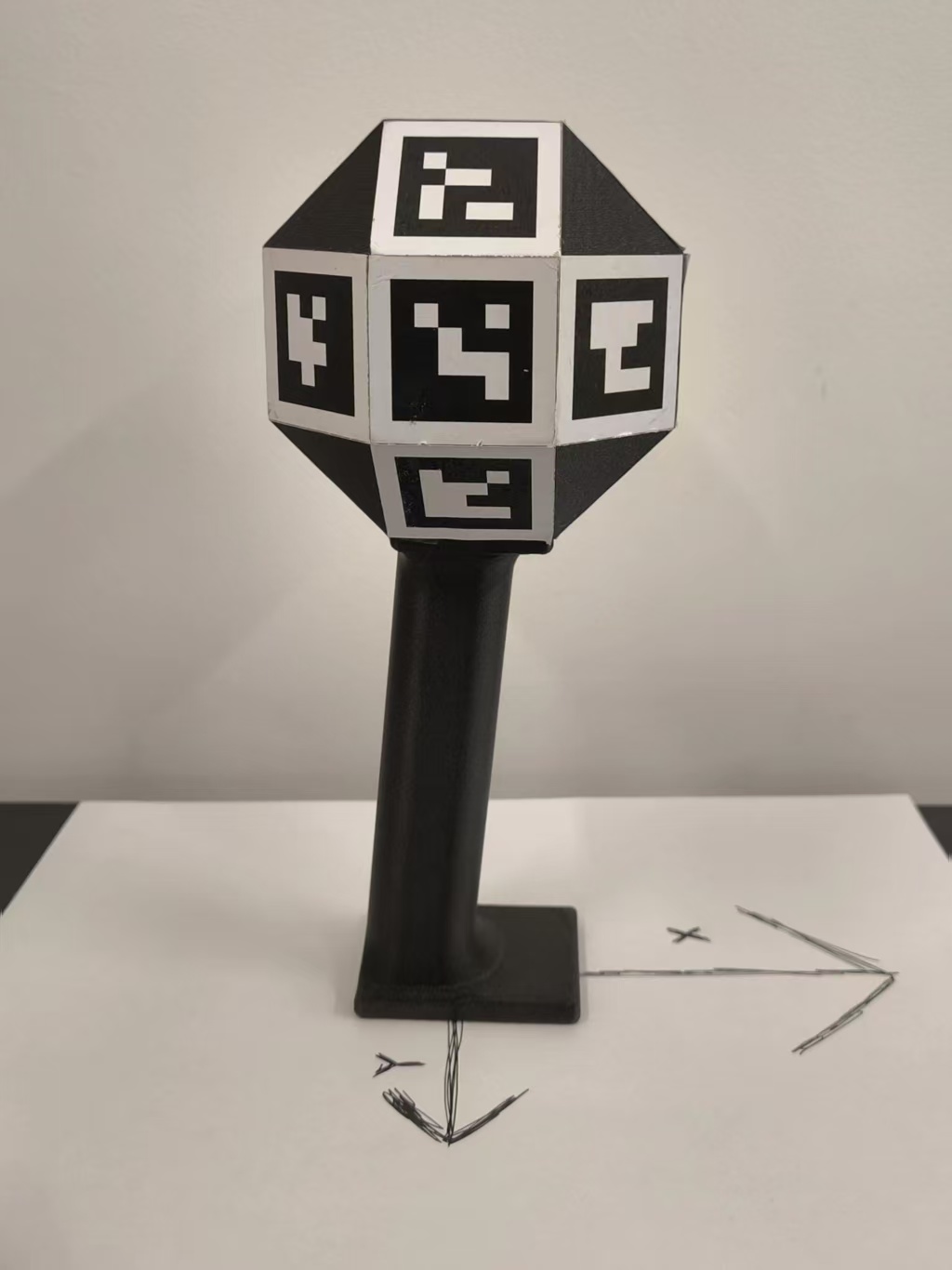
Left View
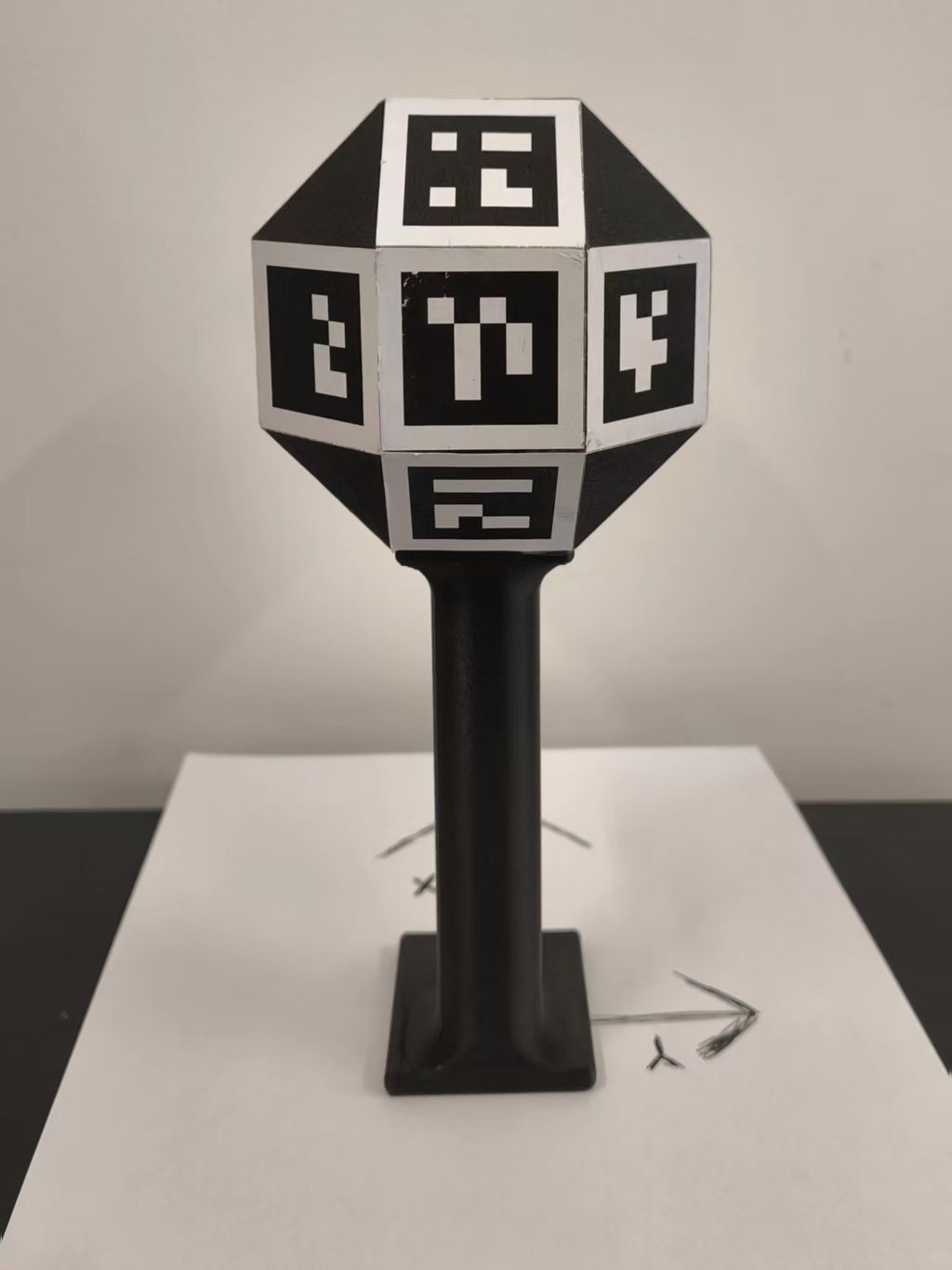
Back View
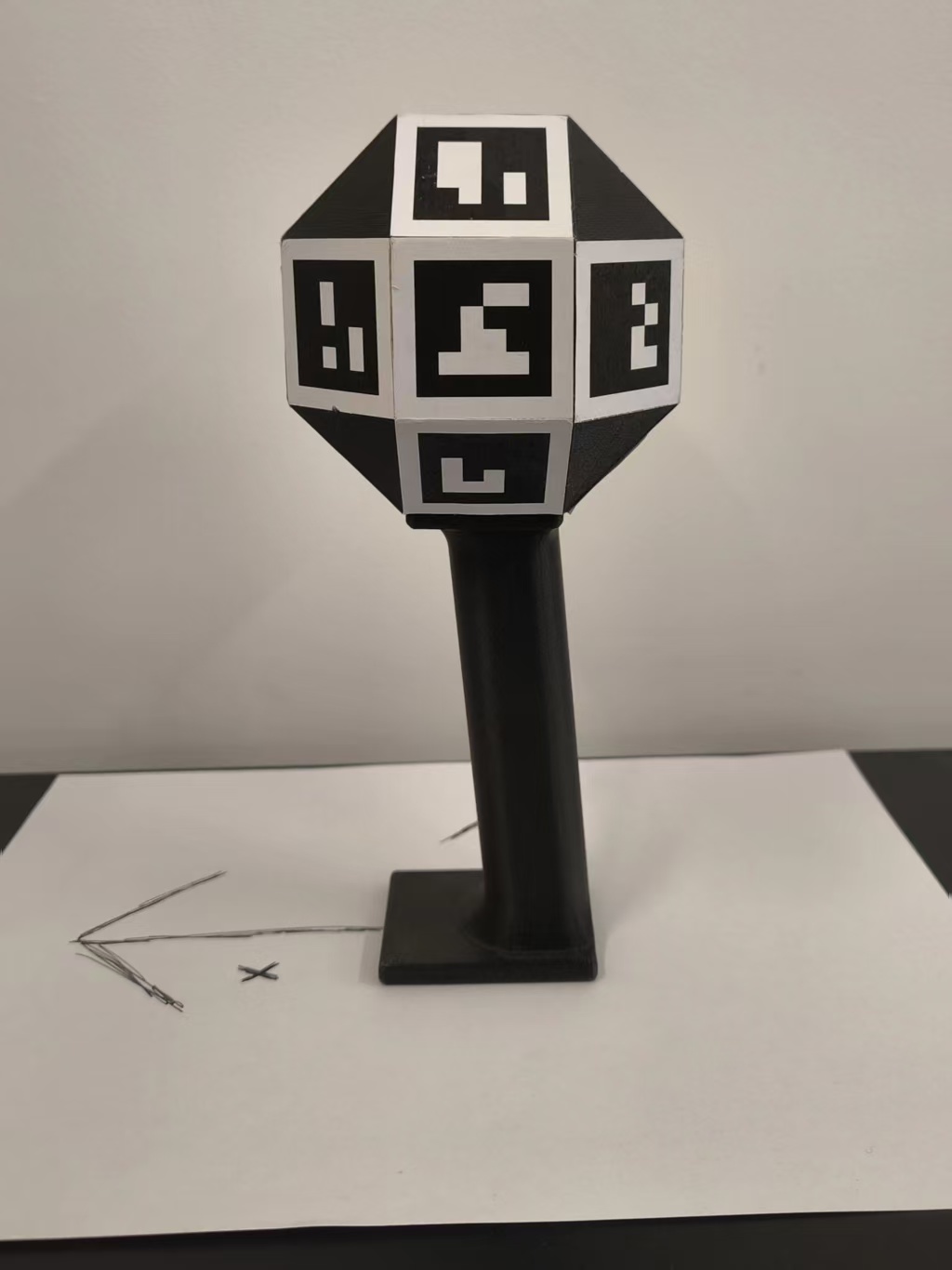
Right View
Creating Calibration Board
Download the calibration board file and attach it to a flat surface:
Camera Intrinsic Calibration (Test)
Install dependencies:
# Install Dependance First
git clone anonymized_url
cd astra_teleop
pip install -e .
Collect calibration images:
python -m astra_teleop.calibration_collect -d /dev/video0 -c ./calibration_images
Move the calibration board in front of the camera:
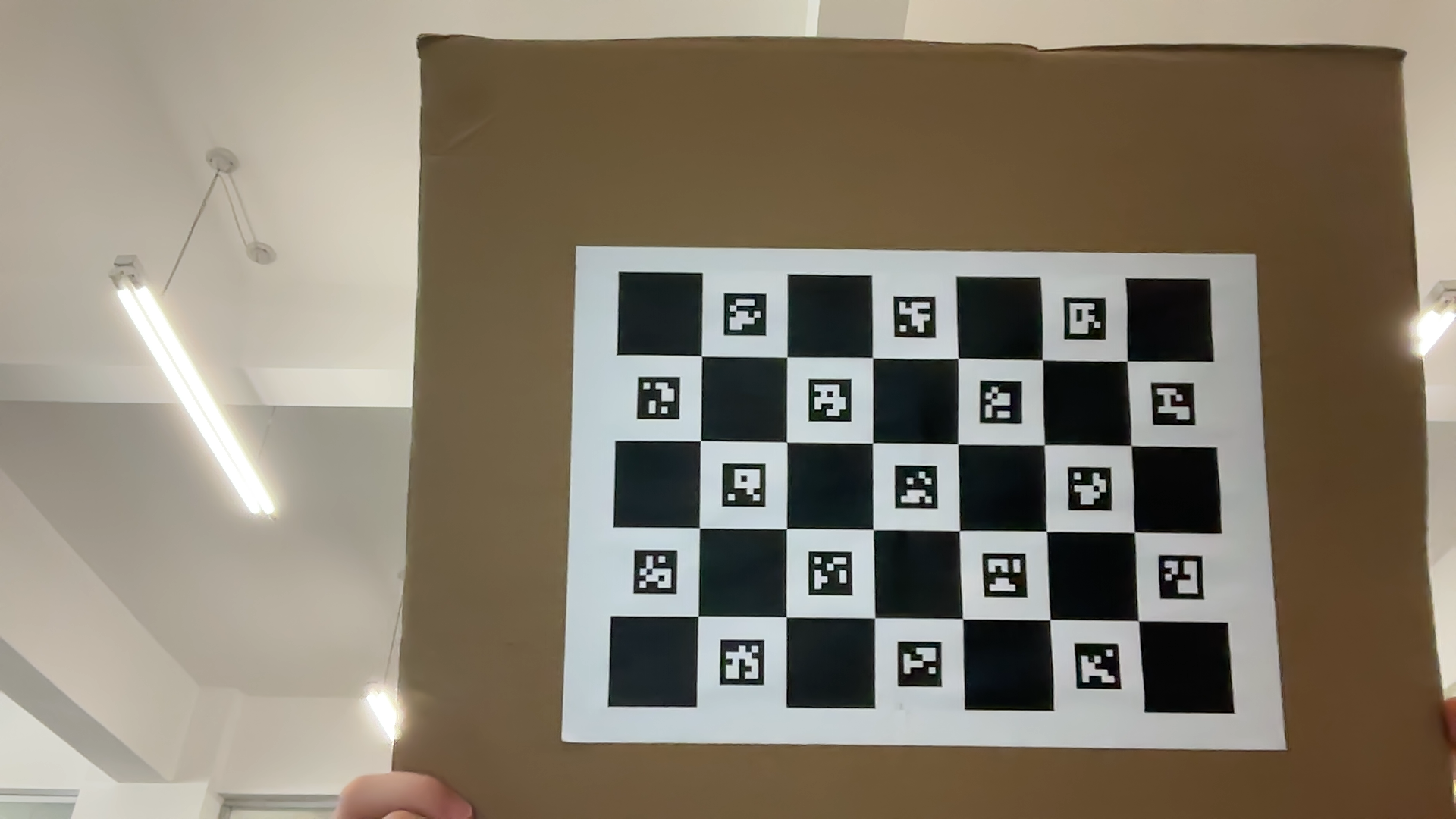
Process calibration images:
python -m astra_teleop.calibration_process -c ./calibration_images
Sample output (results saved to calibration_images/teleoperation_calibration_results_{%Y%m%d%H%M%S}.yaml):
# Camera intrinsic parameters
camera_matrix:
  rows: 3
  cols: 3
  data: [fx, 0, cx, 0, fy, cy, 0, 0, 1]

# Distortion coefficients
dist_coeffs:
  rows: 1
  cols: 5
  data: [k1, k2, p1, p2, k3]